





The laptop-versus-desktop debate used to be fairly straightforward. Need power? Buy a desktop. Need portability? Buy a laptop.
In 2026, that distinction isn’t nearly as clear.
Modern laptops can handle demanding professional workloads and gaming, while desktops now range from enormous gaming towers to mini PCs small enough to disappear behind a monitor.
So which should you buy?
If you regularly need your computer in different places, buy a laptop. If it will spend almost its entire life on one desk, a desktop usually gives you more flexibility.
The Laptop’s Biggest Advantage Is Freedom
A laptop gives you an entire computer—display, keyboard, trackpad, speakers, webcam and battery—in one device.
You can work at home in the morning, carry it to university or the office, and use it while traveling later that day.
That makes laptops the natural choice for:
- Students
- Remote and hybrid workers
- Frequent travelers
- People with limited desk space
- Anyone who regularly works in multiple locations
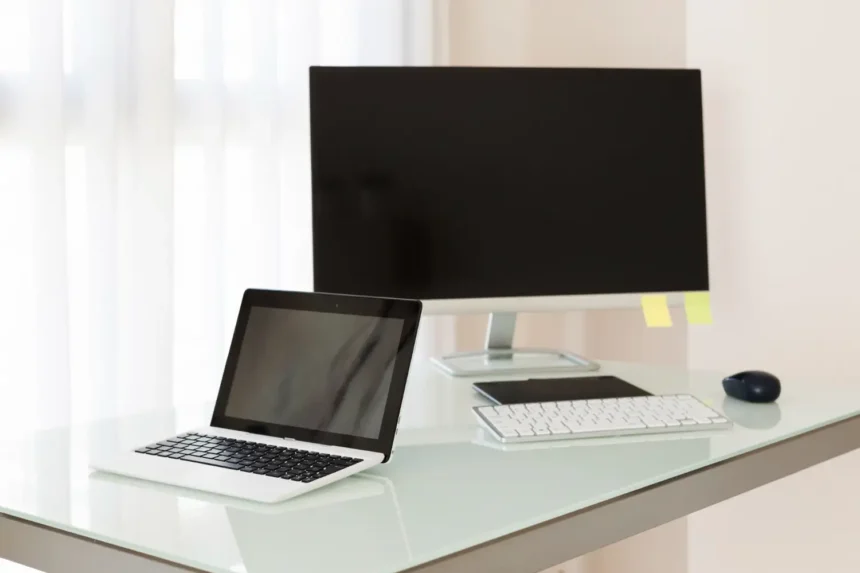
And when you’re home, nothing prevents you from connecting a laptop to a large monitor, keyboard and mouse.
One machine can effectively serve as both your portable and desk computer.



Desktops Give You Room to Grow
The desktop’s greatest strength isn’t simply performance.
It’s flexibility.
Traditional desktop PCs use a modular design that can make individual components considerably easier to replace.
Depending on the system, you may be able to upgrade the graphics card, RAM, storage, cooling, power supply and even processor without replacing the entire computer.
That’s a significant advantage if you want to keep a machine for many years.
Laptop components have to fit into an extremely small space. Processors and graphics chips are commonly integrated or soldered, and some modern laptops also use non-upgradeable memory.
You may be able to replace storage or RAM on certain models, but you should never assume that you can.
Gamers Have a More Difficult Decision
Gaming laptops have become remarkably capable.


If you want to play demanding games but also need to transport your computer, they make far more sense than trying to move a desktop setup around.
But portability comes with compromises.
High-performance components generate heat, and a thin laptop has far less room for cooling than a large desktop case. Laptop versions of graphics hardware can also operate within different power limits from desktop components carrying similar product names.
A desktop additionally gives gamers far greater freedom to replace the GPU later.
If gaming is your priority and the computer isn’t going anywhere, the desktop remains difficult to beat.
If gaming needs to travel with you, the laptop wins by default.
What About Work and Everyday Computing?
For email, browsing, video calls, streaming, office applications and general home use, either form factor is easily capable enough when properly configured.
Your decision should therefore focus less on raw performance and more on your environment.
Picture your normal day.
Are you sitting at the same desk for eight hours?
A desktop with a comfortable keyboard and large monitor can make an excellent workstation.
Do you move between your home, office, meetings and coffee shops?
A desktop’s extra upgradeability won’t matter when you need your computer in your backpack.
Creative Professionals Can Go Either Way
Video editors, photographers, developers, engineers and other professionals need to look beyond the simple laptop-versus-desktop label.
The actual hardware matters more.
A high-end laptop can outperform an inexpensive desktop, so comparing form factors without comparing processors, GPUs, memory and storage isn’t particularly useful.
Still, demanding professionals who need maximum sustained performance, extensive storage, specialized expansion hardware, or multiple high-resolution displays may prefer the flexibility of a workstation desktop.
Creators who regularly work on location may happily sacrifice some of that flexibility for portability.
Don’t Forget the Hidden Cost of a Desktop
A desktop tower isn’t necessarily a complete computer setup.
You may also need:
- A monitor
- Keyboard
- Mouse
- Webcam
- Speakers or headphones
If you already own those accessories, this isn’t a problem.
If you’re starting from nothing, include them when comparing prices.
A laptop includes most of these components from the beginning, plus something a conventional desktop doesn’t have at all: a built-in battery.
There’s Also a Third Option
You don’t necessarily have to choose between a conventional laptop and a large tower.
Mini PCs have become an increasingly interesting middle ground.
They’re tiny desktop computers designed for people who want a permanent workstation without a bulky case.
You still need a monitor and peripherals, and upgradeability varies dramatically between models, but they’re worth considering for home offices, media setups and everyday computing.
All-in-one computers offer another alternative by building the computer into the display itself. They create a cleaner desk but often sacrifice much of the modularity that makes traditional desktops attractive.
Which One Should You Buy?
Here’s an easier way to decide.
Buy a laptop if: you need portability, have limited space, frequently travel, study away from home, work in multiple locations, or simply want one self-contained computer.
Buy a desktop if: your computer will remain on one desk, you want easier hardware upgrades, need extensive connectivity, enjoy customizing your PC, or prioritize gaming and demanding workloads over portability.
There’s no universal winner anymore.
For many people, a laptop is the more practical computer because flexibility matters more than upgradeability.
But if you’re going to buy a laptop only to leave it permanently closed on the same desk for five years, ask yourself why you’re paying for a screen, keyboard, battery and portability you rarely use.
Sometimes the old-fashioned desktop is exactly the smarter choice.